
Learn to type on keys you'd want
A free touch-typing tutor on a real pastel keyboard. The next key lights up in the colour of the finger that should press it. Pick a lesson and start typing; no sign-up.
What's under the keys
Keep scrolling and the keyboard comes apart. Four layers turn a key press into a letter on your screen.
How touch typing works
Each finger looks after its own column of keys, so you never have to look down. The glow on the tutor uses that finger's colour.
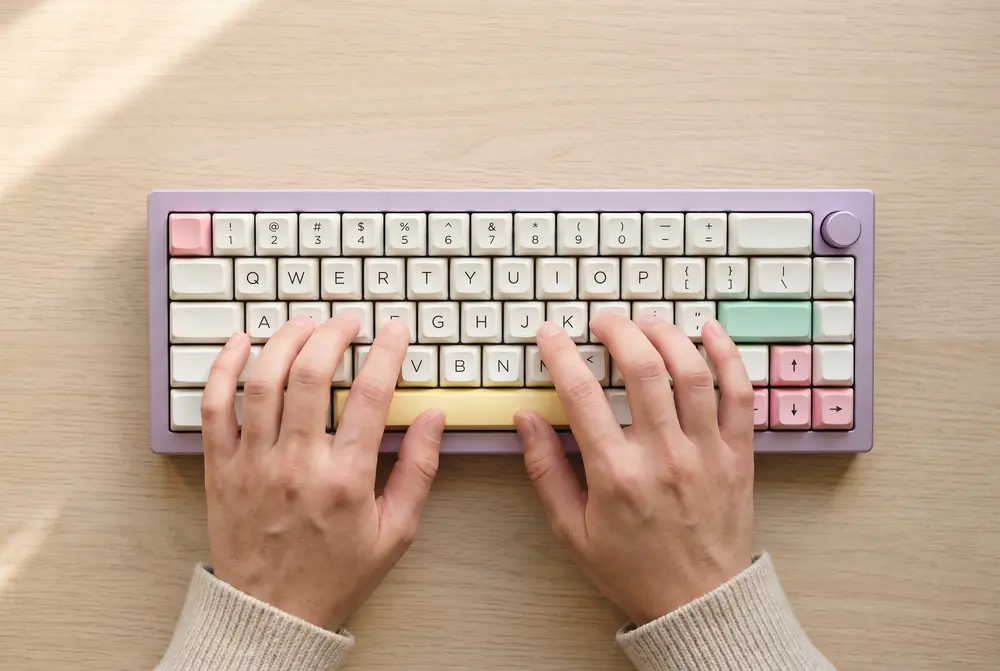
Home row first
Rest your fingers on A S D F and J K L ;. Your thumbs sit on the space bar. Every key is a short reach from there.
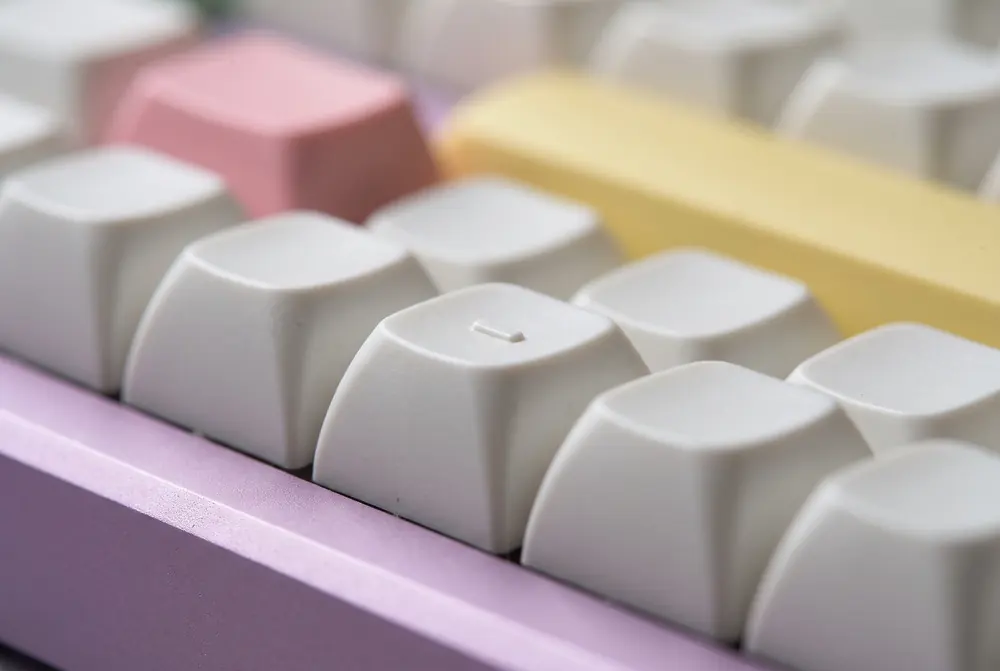
Feel for the bumps
F and J have a small ridge, so your index fingers find the home row without looking down.
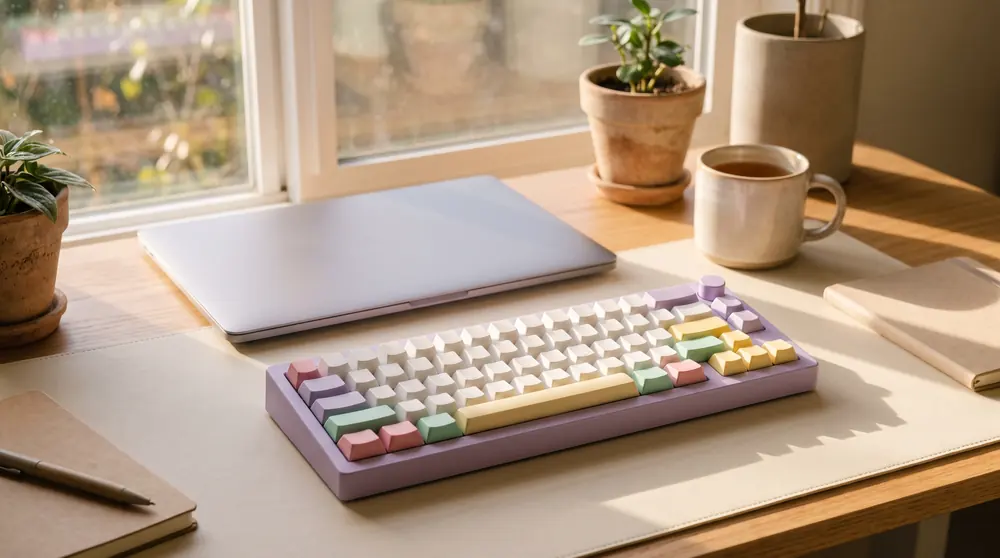
Ten minutes a day
Short daily practice beats one long session a week. Go for accuracy first; speed follows.
Typing questions
How is words per minute calculated?
By convention, every five characters you type, spaces and punctuation included, count as one word. The tutor counts correct characters only, divided by the minutes since your first key press.
What is the home row?
The middle row of letters. Your left fingers rest on A, S, D and F, your right fingers on J, K, L and the semicolon, and your thumbs on the space bar.
Why are there bumps on F and J?
So your index fingers can find the home row by touch. Most keyboards have them.
Can I use the tutor on a phone?
It works with any keyboard, but it's made for learning on a physical one. Connect a Bluetooth keyboard to practise on a tablet.